Six cinematic science pages for 8th grade, made with an AI assistant and free tools
A 3D plant cell you can fly into, a toxin elevator that climbs the food chain, and a coastal food web you can break by removing one species. Six offline pages built from my own 8th-grade teaching plans.
I built six interactive science pages for my 8th-grade class, straight from my own teaching plans.
I teach naturfag (science) in 8th grade. Some topics are hard to show on a whiteboard: what’s inside a cell, how a toxin piles up as it moves up the food chain, why there’s so little energy left at the top. So I turned the plans I already had into pages the students can click, rotate and break. Each one is a single HTML file that runs offline in the browser, in Norwegian or English.
The Spark
It started with a random post on X with a similar idea. It made me think I could build something like that for my own subjects.
The Six Pages
- Cells – a plant cell and an animal cell in 3D, every part modelled in Blender. Click a part and the camera flies there and explains what it does. Extra material beyond the 8th-grade curriculum is marked in purple.
- Toxin Elevator – PCB or mercury moving up five levels, from plankton to sea eagle and seal. Set the emissions and the years, then watch the concentration climb. The page says plainly that it’s a simplified model with illustrative numbers.
- The Red List – a 3D slice of the Norwegian coast with 27 species from the Norwegian Red List, from the sea up to the mountains, coloured by threat category.
- Food Web – 14 coastal species plus decomposers, shown by habitat or by trophic level. Remove one species and watch what happens to the rest.
- Energy Chain – from the sun to plankton, herring, cod and finally us: 10 000 kJ → 1 kJ, the 10 % rule, and a look inside the cell at photosynthesis and cellular respiration.
- Wind Power – the parts of a turbine, then a wind farm you build yourself and weigh against nature, neighbours and reindeer herding, with role-play from different sides.
All six are collected at /naturfag/.
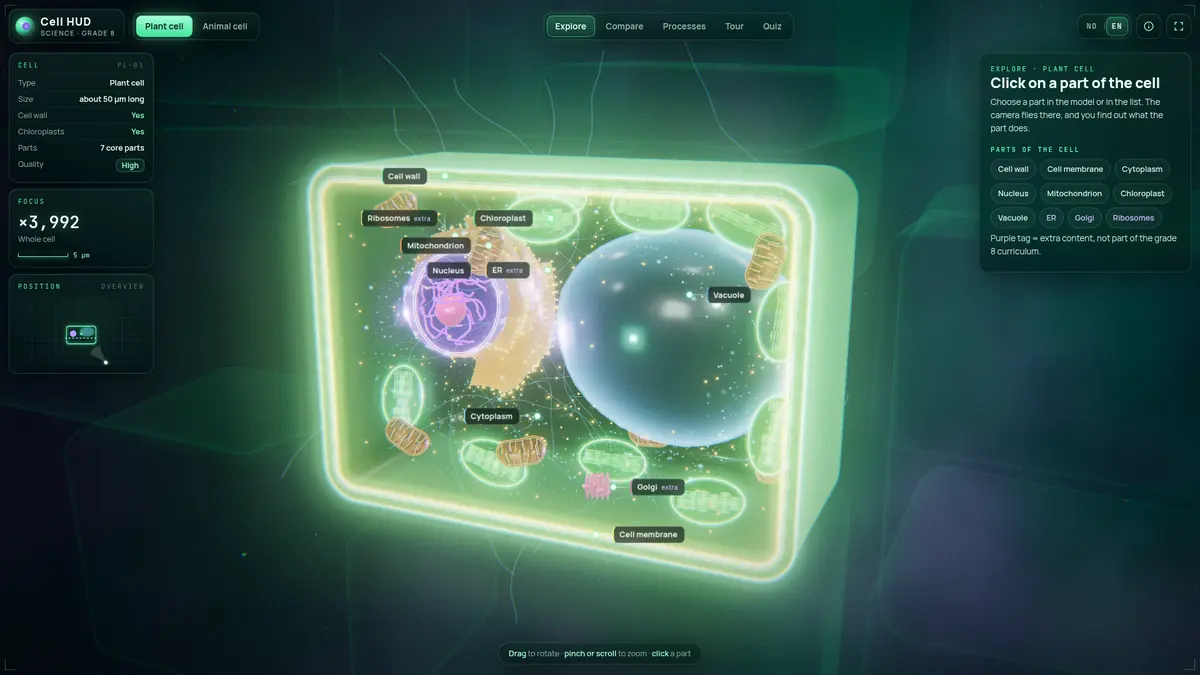
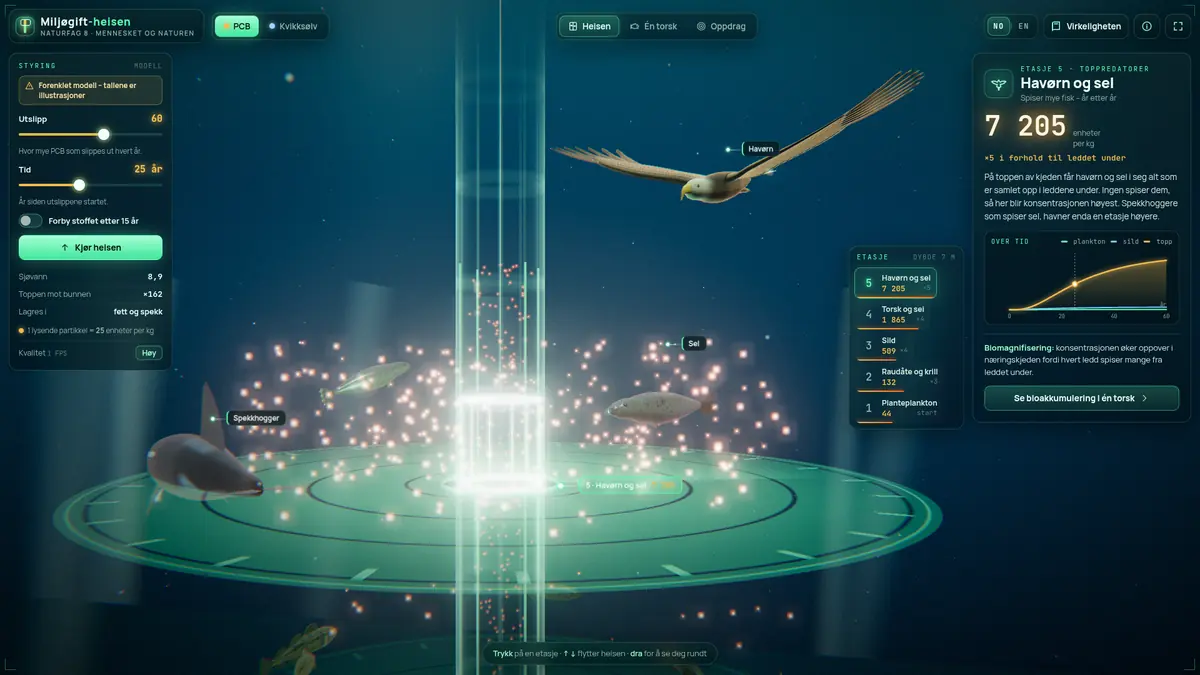
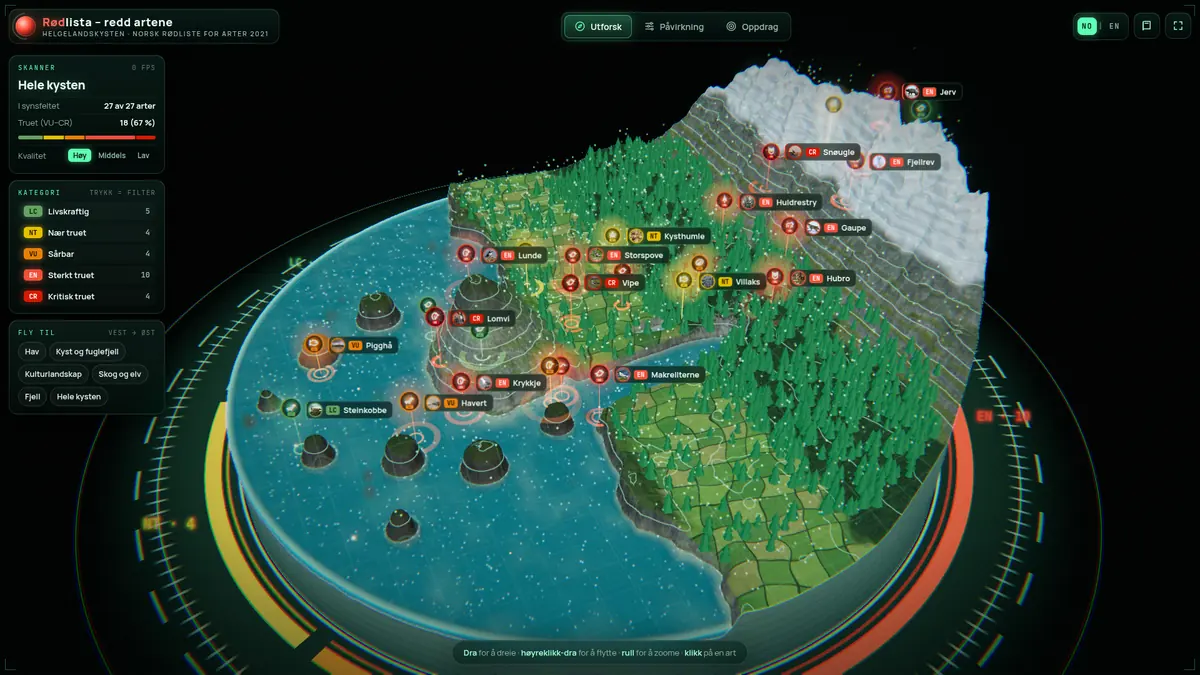
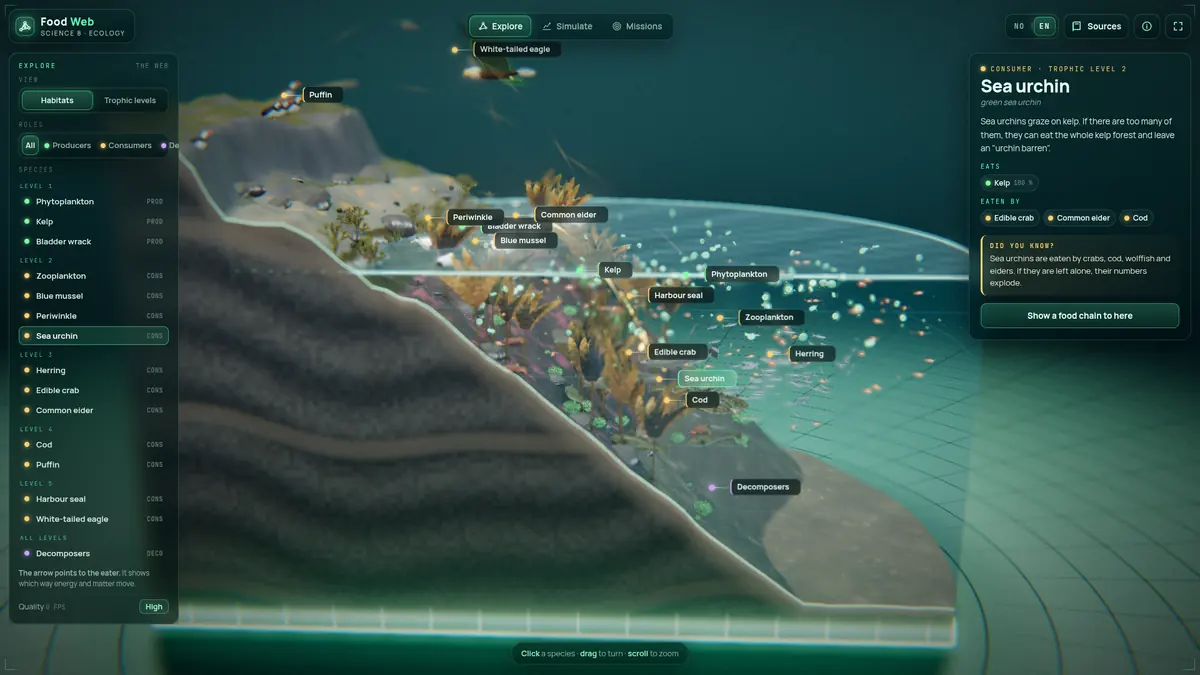
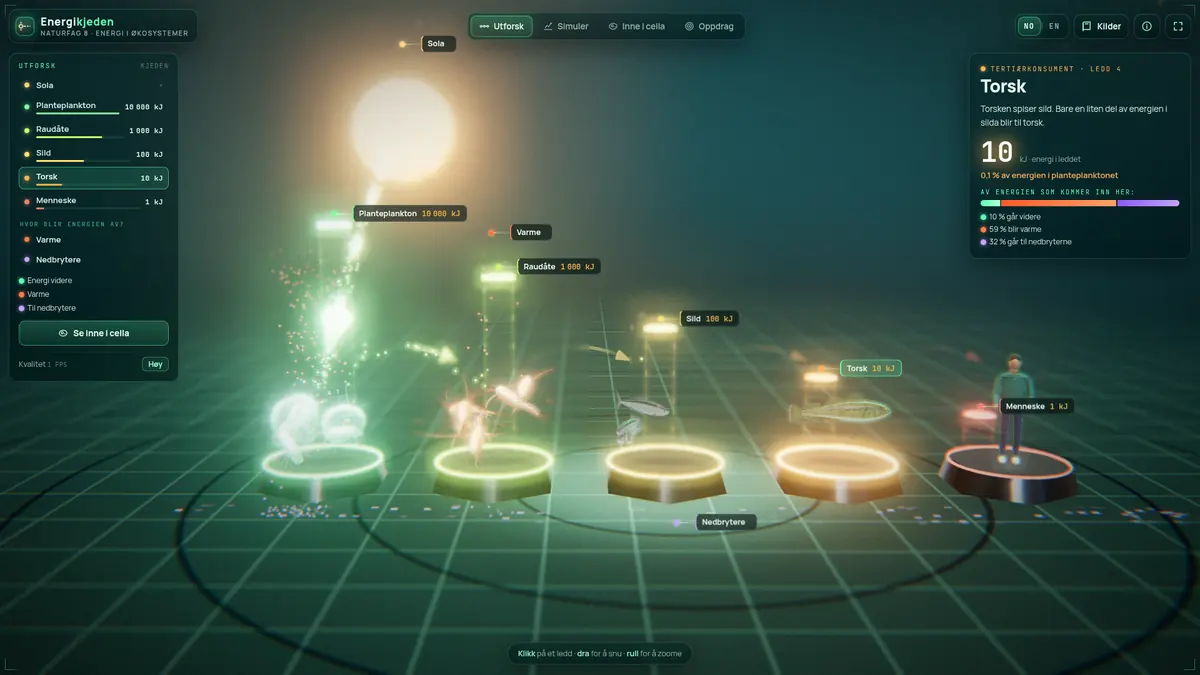
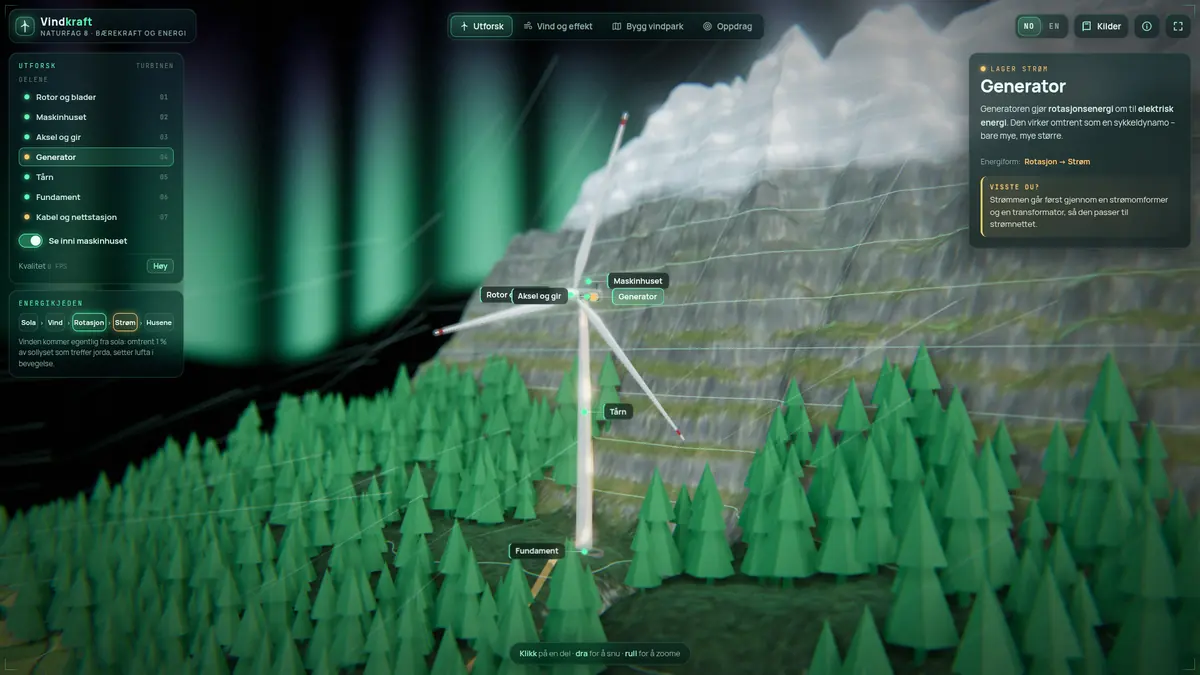
The six pages. Each one runs offline in the browser, in Norwegian or English.
How I Built Them
Every page starts with a week from my teaching plan: the learning goals, the key words, the questions I want the students to answer. Grok Bot, an AI assistant, wrote the code and built the pages from those plans. The 3D models were made in Blender 4.5, with ambient occlusion baked in, and Playwright was used to test the pages. Everything except Grok Bot is free or open source. Each page has an explore mode and a set of tasks, and everything is packed into one file, so it works on the student PCs without a login or an internet connection.
Tech stack
Grok Bot · three.js · GSAP · Blender 4.5 · Playwright · single-file HTML
Next: Trying It in Class
I haven’t used the pages in class yet. That’s the next step, and then I’ll find out how they work with actual students.
What I Learned
The content came from plans I’d already made, so every page started with the learning goals, not the tech. The AI did the building, but deciding what each page should teach — and what to leave out — was still my job.
I’ve got more topics coming up this year. We’ll see which one gets a page next.